
IPTV Installation Guide
Welcome to the ultimate IPTV Installation Guide. Follow our simple step-by-step instructions to set up your premium IPTV service on your favorite device.
Important: You will receive your login credentials (Username & Password) via WhatsApp or email after completing your order.
Android TV
Sony, Philips, TCL, Xiaomi...
Install our official app directly on your Android TV.
Install "Downloader"
Search for "Downloader" in Google Play Store and install it.
Download App
Open Downloader and type our app link to download.
Get it on Google Play10,028 downloads
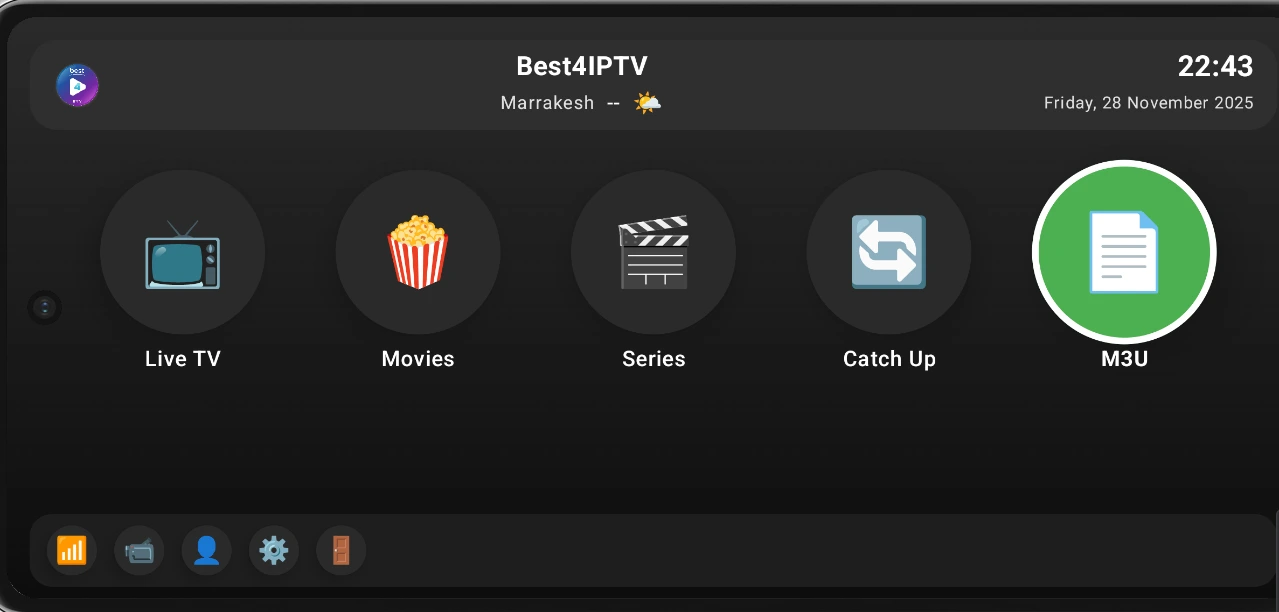
Select M3U Option
Open best4iptv and choose "Login with Xtream Codes API".
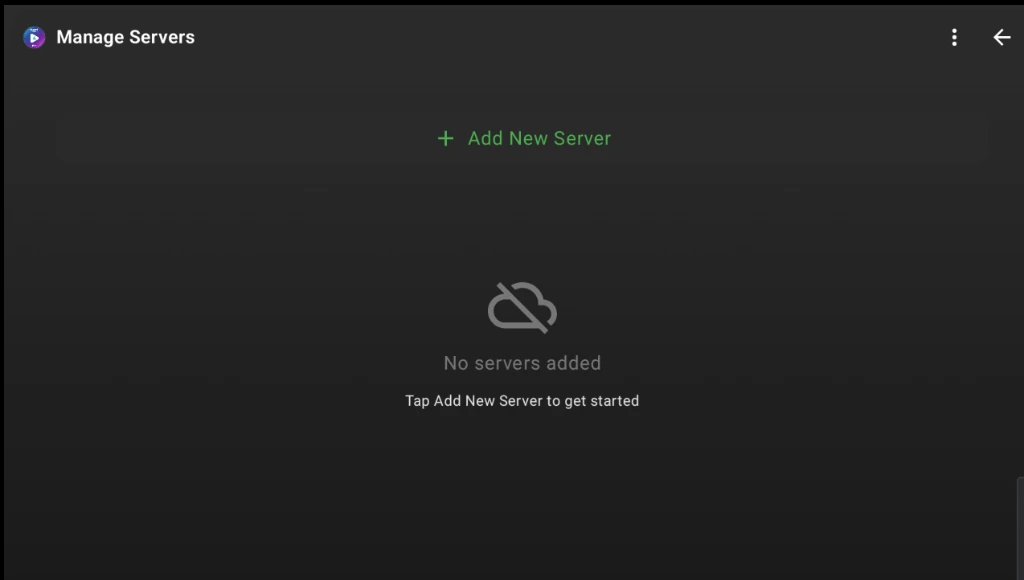
Add Server
Click "Add New Server" to continue.
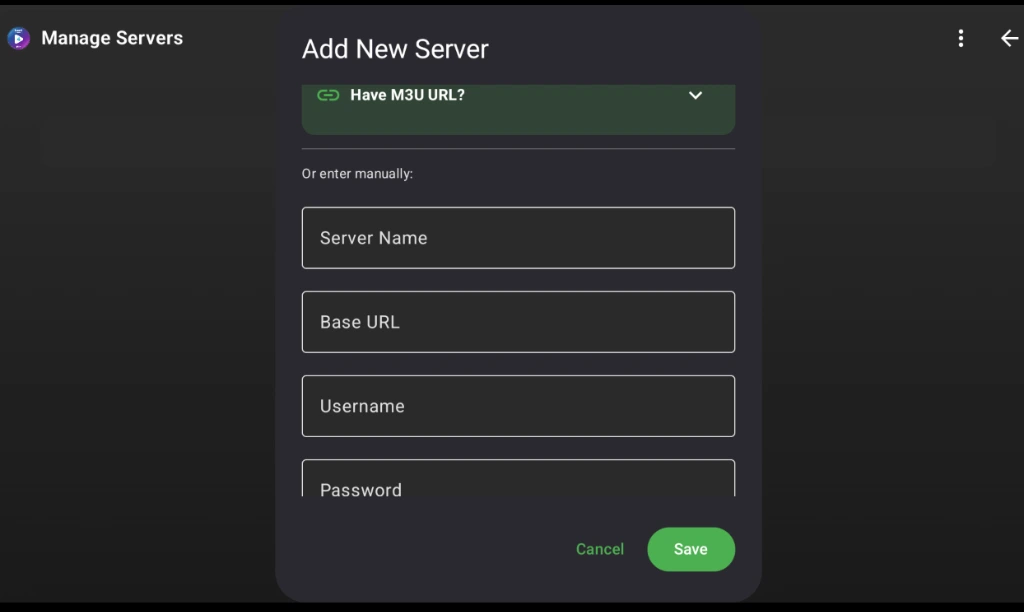
Enter Your Login Details
Enter the Username and Password we sent you via WhatsApp or email.
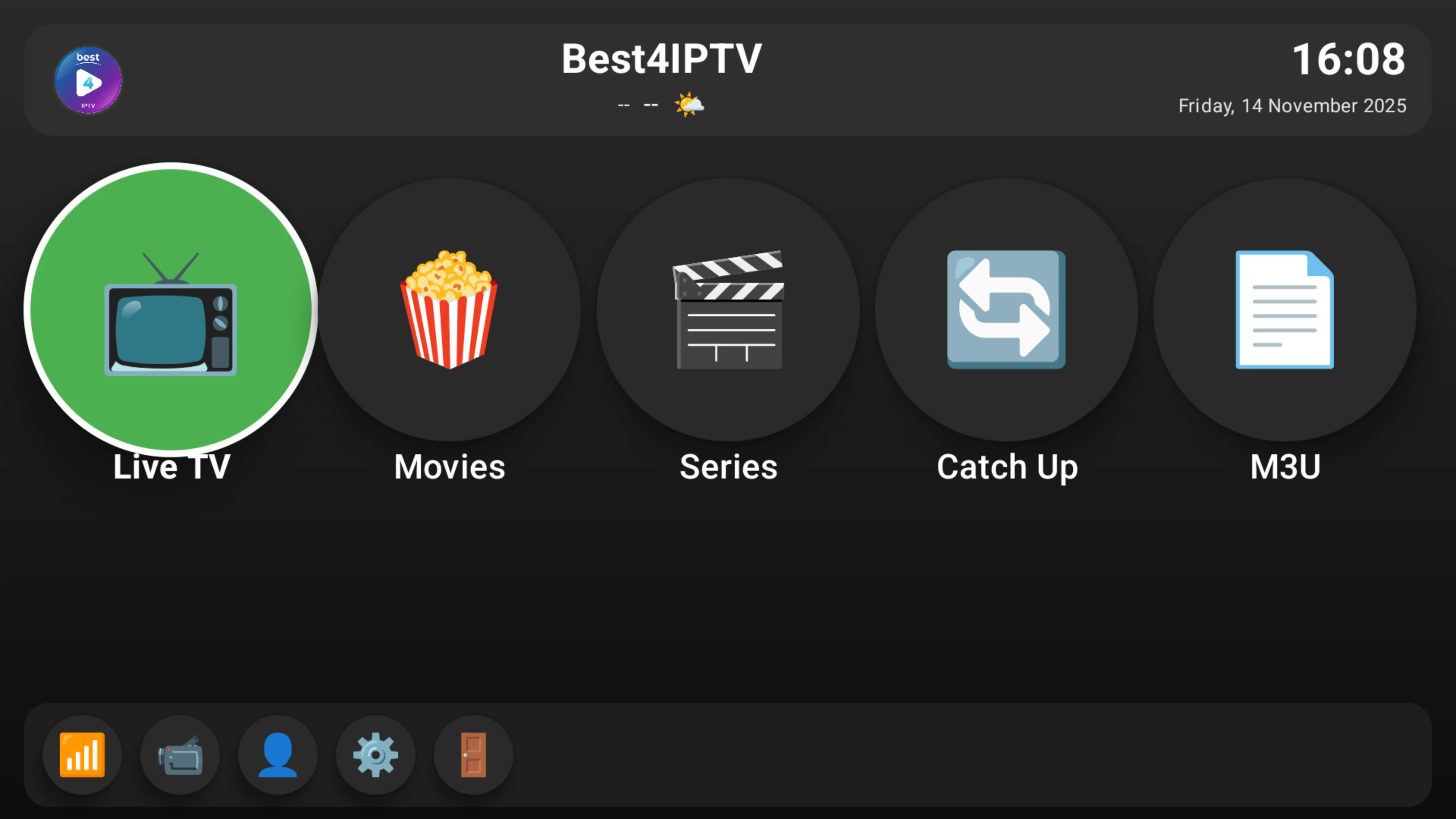
Start Watching
Click Live TV, Movies, or Series.
Samsung & LG
Tizen OS & WebOS
Use a compatible player from your TV's store.
Install Player
Search for "IBO Player" or "IPTV Smarters" in your TV Store.
Login
Open the app and enter your M3U URL, Username, and Password.
